Sticky Navigation Menu for Elementor

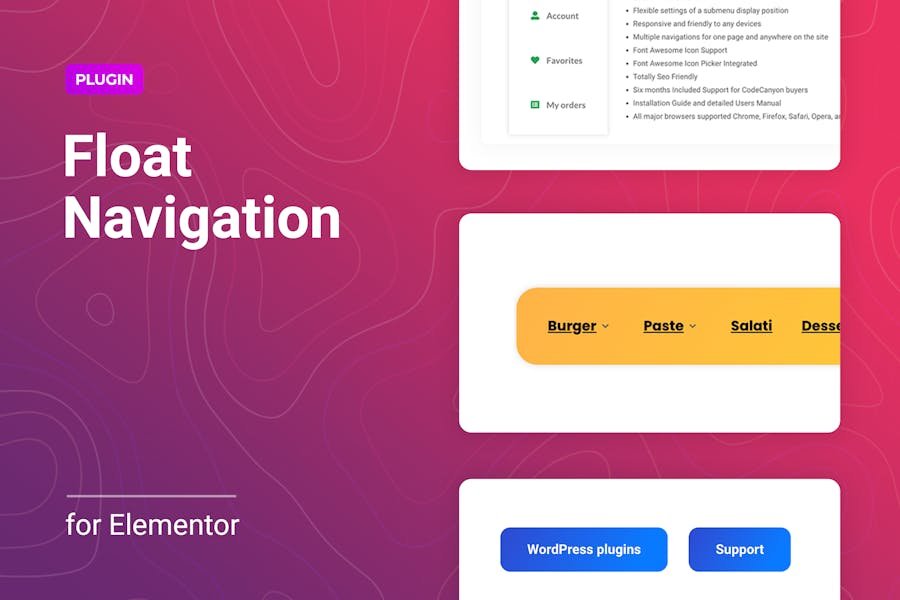
The Floater is a WordPress plugin for Elementor to add a float or sticky menu for any website page. The plugin allows you to create navigation that the users will always have at their fingertips, help them get the required information quickly, and thereby improve the user experience and increase the conversions easily. You can place an unlimited number of floating menus on the page in various positions available in the settings. Flexible responsiveness settings allow you to manage the display of the block for different devices. The tool allows you to use a regular WordPress menu or custom menu items in the sticky block. Each of these options has a number of detailed settings to get a unique result. Using the WordPress menu allows you to customize the submenu display position by selecting top or bottom positions or by offsetting it along the X or Y-axis. Set the submenu animation, upload your own icon for the indicator. Get a great multi-level menu without additional efforts. With a custom menu type, any icons can be used instead of/together with the menu item titles, and each element is styled separately.

£3.99

GET UNLIMITED MONTHLY DOWNLOADS

Great news! You can unlock UNLIMITED downloads of our 2000+ Elementor themes and plugins for just £9.99/month! 🚀
🔓 What You Get:
✅ Unlimited downloads – no restrictions!
✅ Access to premium themes & plugins
✅ Regular updates & new additions
✅ No hidden fees – just pure value!

Secure Payment

Your payments are secure with our private security network.

Share it :

Description

The Floater is a WordPress plugin for Elementor to add a float or sticky menu for any website page. The plugin allows you to create navigation that the users will always have at their fingertips, help them get the required information quickly, and thereby improve the user experience and increase the conversions easily. You can place an unlimited number of floating menus on the page in various positions available in the settings. Flexible responsiveness settings allow you to manage the display of the block for different devices. The tool allows you to use a regular WordPress menu or custom menu items in the sticky block. Each of these options has a number of detailed settings to get a unique result. Using the WordPress menu allows you to customize the submenu display position by selecting top or bottom positions or by offsetting it along the X or Y-axis. Set the submenu animation, upload your own icon for the indicator. Get a great multi-level menu without additional efforts. With a custom menu type, any icons can be used instead of/together with the menu item titles, and each element is styled separately.

Reviews

There are no reviews yet.

Be the first to review “Sticky Navigation Menu for Elementor”

Your email address will not be published. Required fields are marked *

Frequently Bought Together